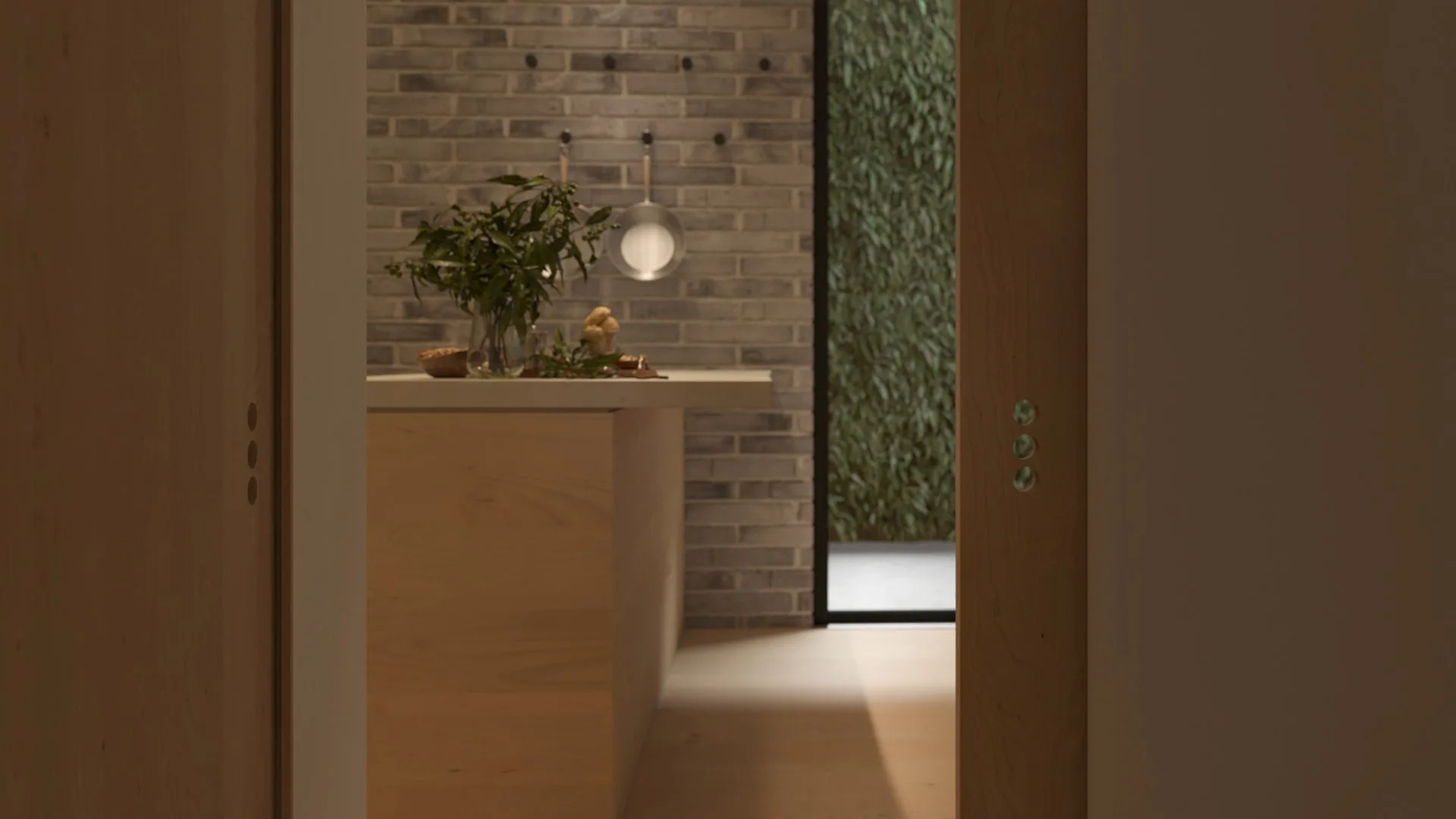
Architectural Animations
Transform static designs into compelling visual stories with professional architectural animations that captivate and inspire, part of our complete portfolio of visualization services.
Architectural Animation at 24, 30, and 60 fps for Every Delivery Platform
VisuArchitect produces architectural animations rendered at the frame rate the delivery platform demands. Cinematic sequences for investor presentations and planning public exhibitions render at 24 fps, the frame rate that reads as film and commands attention in a boardroom or consultation suite. Social media cuts for Instagram Reels and TikTok deliver at 30 fps in 9:16 vertical aspect ratio. Interiors walkthroughs and product detail passes render at 60 fps for smooth real-time perception when played on 4K displays and large-format screens.
Cinematic 24 fps
Planning applications, investor road shows, and boardroom presentations in 16:9 at 4K resolution
Social 30 fps, 9:16
Instagram Reels, TikTok, and YouTube Shorts cuts in vertical 1080x1920 or square 1:1 format
Display 60 fps, 4K
Large-format screen installations, marketing suite displays, and web embed players
H.264 MP4 and ProRes
H.264 MP4 for web delivery; ProRes 422 HQ for broadcast, cinema, and high-end presentation use
Camera Move Types and Sequence Structures
Exterior and Site Sequences
Exterior architectural animations establish the building within its site context using three primary camera move types. A flythrough opens the sequence from drone altitude, descending to eye level to reveal massing, materiality, and landscape. An orbit move rotates around the building at constant radius, exposing all four facades in a single continuous take of 30 to 60 seconds. A dolly push moves the camera along a linear path from site entrance to main elevation, recreating the pedestrian approach experience for planning committees in Manchester, Leeds, or Bristol reviewing a development they cannot visit.
- Aerial flythrough from drone altitude
- 360-degree orbit to show all elevations
- Dolly approach along pedestrian route
- Reveal pass uncovering building from landscape
Interior Walkthrough and Room Reveal
Interior animations guide the viewer through a space in a logical sequence that mirrors the occupier experience. A walkthrough follows a continuous path from entrance through main living or working areas, terminating at the key selling space: a principal bedroom, executive boardroom, or double-height atrium. A room reveal holds the camera at threshold and opens the door or wall partition, allowing the interior to unfold in a single uncut take of 10 to 20 seconds. This move type suits social media delivery at 30 fps in 9:16 format and attracts significantly higher watch completion than a standard walkthrough cut to the same duration.
- Continuous walkthrough from entrance to key space
- Room reveal pass for social media
- Detail close-up pass on materials and finishes
- Day-to-night lighting transition sequence
Planning and Investor Packages
Planning application animations for English LPAs typically run to 90 seconds and combine an exterior flythrough with two or three interior walkthrough cuts, delivering a complete overview of massing, public realm contribution, and interior quality in a single file. Investor road show packages extend to two minutes and add text overlays, data graphics, and a branded title sequence. Both package types deliver as H.264 MP4 for email and portal submission, with an optional ProRes 422 HQ master for broadcast or large-format projection.
- 30-second social media cut, 9:16 and 16:9
- 60 to 90-second planning application package
- Two-minute investor road show with text overlays
- ProRes 422 HQ master for broadcast delivery
Production Depth: Render Passes, Lighting, and Audio Strategy
Architectural animation quality separates into two categories: single-pass composite renders and multi-pass production renders. VisuArchitect produces multi-pass animations for all standard packages, giving the post-production stage control over diffuse lighting, reflection, shadow, ambient occlusion, and depth of field as independent layers.
Render Passes and Post-Production
A multi-pass render separates beauty, reflection, shadow, ambient occlusion, depth, and diffuse colour into discrete OpenEXR layers. In post-production, these layers composite in DaVinci Resolve or Adobe After Effects to allow colour grading, bloom adjustment, and atmospheric haze without re-rendering any 3D frame. For a 90-second animation at 24 fps, this amounts to 2,160 frames per pass. A four-pass production therefore renders 8,640 individual frames, which VisuArchitect processes across a distributed render farm to maintain the 10 to 15 working day standard delivery window.
Time-of-day lighting transitions, a feature common in investor videos for mixed-use developments, require separate beauty passes for dawn, midday, and dusk lighting conditions, with the three sequences blended in post. This technique produces the dawn-to-dusk effect that communicates a building's solar performance across the day without requiring physically accurate solar position calculations in the 3D scene.
Audio Strategy for Architectural Animation
Audio composition for architectural animations follows a hierarchy based on delivery context. Planning application animations delivered to LPAs typically use ambient environmental audio only: wind, distant traffic, birdsong calibrated to the site's urban or rural classification. No voiceover appears in planning videos, as planning officers assess design merit independently of marketing narration.
Investor and marketing animations use licensed orchestral or contemporary instrumental tracks at 128 kbps AAC in the delivered H.264 MP4, with a separate voice-over track at 48 kHz WAV if the client provides a script. Social media cuts replace orchestral audio with trending platform-appropriate music licensed through VisuArchitect's Musicbed or Epidemic Sound subscription, avoiding copyright claims on YouTube, Instagram, and TikTok at no additional cost to the client.
Related Animation Services
Delivery Formats
- H.264 MP4, 4K (3840x2160)
- H.264 MP4, 1080p web (1920x1080)
- H.264 MP4, 9:16 social (1080x1920)
- ProRes 422 HQ, 4K master
- OpenEXR multi-pass (on request)
Frame Rates by Use
- 24 fps: investor, planning, cinema
- 30 fps: social media, web embed
- 60 fps: display screens, marketing suite
- 25 fps: UK broadcast standard
Architectural Animation for UK Planning and Marketing
Architectural animations produced for English planning applications support RIBA Stage 3 and Stage 4 design reporting. An animation accompanying a Design and Access Statement for an LPA in London, Bristol, or Birmingham communicates massing, scale, and public realm quality faster than a written description and more completely than a static CGI. Unlike a rendering, the animation demonstrates how the building reads from multiple approach directions, which addresses planning committee concerns about streetscape impact before the formal hearing.
Pricing for Architectural Animation
Architectural animation pricing starts from GBP 2,200 for a 30-second exterior flythrough at 1080p and 24 fps from an existing 3D model, rising to GBP 7,500 to GBP 14,000 for a full two-minute investor package with exterior flythrough, interior walkthrough, text overlays, licensed audio, and 4K H.264 plus ProRes master delivery. Social media cut-downs from a full production add GBP 350 per cut. Projects requiring 3D modelling from drawing sets are quoted separately based on scheme complexity. Fixed-fee quotes arrive within one working day.
Production Timeline
A 60-second architectural animation using an existing approved 3D model delivers in 10 to 15 working days from project brief sign-off and deposit payment. The process follows four stages: storyboard and camera path review (days 1 to 2); 3D animation and lighting build (days 3 to 7); render farm processing at the specified frame rate and resolution (days 7 to 12); post-production compositing, colour grade, and audio mix (days 12 to 15). Client review occurs after the storyboard stage and after a draft render of a 10-second test sequence, reducing full revision risk before the complete animation renders.
Architectural Animation Questions Answered
What frame rate does an architectural animation need for a UK planning application?
English LPAs accept architectural animations at 24 fps or 25 fps (the UK broadcast standard). 24 fps is used for cinematic presentation; 25 fps matches the PAL broadcast frame rate and is the correct choice if the animation will appear on broadcast television or in a publicly broadcast consultation. Most planning applications use 24 fps delivered as H.264 MP4, which is universally playable in any LPA officer's browser or media player without additional software. Confirm the accepted submission format with your planning consultant before final render, as individual LPAs set their own portal upload requirements.
What is the difference between a flythrough and a walkthrough animation?
A flythrough positions the camera above or outside the building and moves it through the exterior environment, typically starting at drone altitude and descending to street level. It communicates massing, landscape, public realm, and facade materiality. A walkthrough positions the camera at human eye height (approximately 1.6 metres) and moves it through the interior spaces along a path that mirrors occupier movement. The walkthrough communicates room proportion, ceiling height, material quality, and natural light distribution. A complete architectural animation for marketing or planning typically combines both: an exterior flythrough that establishes the site context, followed by two or three interior walkthrough sequences.
What file formats does VisuArchitect deliver architectural animations in?
Standard delivery for all packages includes H.264 MP4 at 4K (3840x2160) for high-resolution presentation and at 1080p (1920x1080) for web and email use. Social media versions deliver as H.264 MP4 at 1080x1920 (9:16 vertical) and 1080x1080 (1:1 square). A ProRes 422 HQ master at 4K is included in the full production package and available as an optional add-on for other tiers. The ProRes master is required for broadcast submission, large-format projection, and professional video editing workflows where re-encoding to H.264 must originate from a lossless source. OpenEXR frame sequences (individual render passes) are available on request for clients with in-house compositing teams.
How long does a full architectural animation take to produce?
A 60-second animation from an existing 3D model takes 10 to 15 working days. A two-minute investor package takes 15 to 20 working days. A 30-second social media cut from an existing model takes 5 to 7 working days. Projects requiring 3D modelling from scratch add three to six weeks to these timelines depending on the complexity of the architecture. A priority service that compresses the standard timeline by 30 to 40 percent is available for planning deadline scenarios at an additional fee. Storyboard approval at the start of the project locks camera paths and key frame composition, reducing the risk of revisions after the full animation has rendered.
Can the animation be repurposed for Instagram Reels and TikTok from the same render?
Yes, with planning at the camera path stage. Camera moves composed for a 16:9 framing do not automatically reformat to 9:16 without cropping important content. VisuArchitect offers dual-format production, where social media viewpoints are set at the storyboard stage so that the same render pass produces both landscape and vertical outputs without re-rendering. Existing 16:9 animations can be cropped to 9:16 as a post-production service where the camera framing allows it, typically for close-up interior passes. Exterior flythrough sequences with wide-angle framing usually require re-animation for vertical social media output. Contact VisuArchitect with your existing files for a format assessment before ordering.
Ready to Animate Your Architecture?
Create stunning animations that bring your architectural visions to life